
| Course Name | Duration | Classes | Total Fee | Mode of Training | Class Timing |
|---|---|---|---|---|---|
|
BASH Programming
Course |
2 Months |
60 |
35,000 PKR |
Online & Face-to-Face |
To be decided mutually with students |
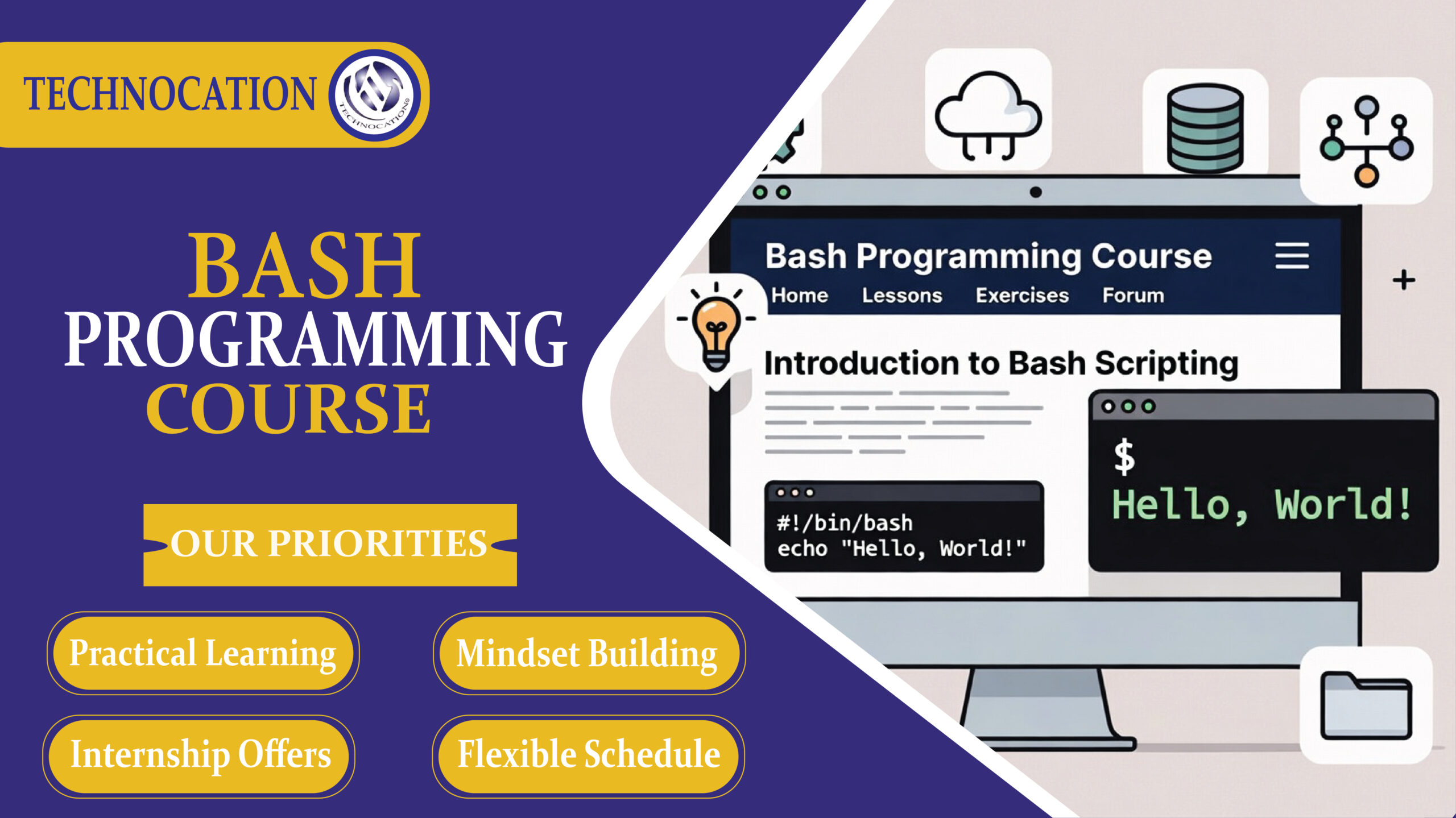
Bash Programming Training Certification Course
First, this course teaches Bash programming basics. Then, you learn Linux commands step by step. So, you control the terminal easily.
Next, you write simple Bash scripts daily. Then, you automate small system tasks. Thus, work becomes faster and easier.
After that, you handle files and folders. You copy, move, and manage data smoothly. So, you save time and reduce mistakes.
Moreover, you use loops and conditions. You make scripts smart and logical. Therefore, programs solve real problems quickly.
Then, you connect scripts with servers. You schedule jobs and monitor systems. As a result, you manage projects efficiently.
Finally, you build real-world automation projects. You practice DevOps and cloud tasks confidently. Hence, Bash skills open job and freelancing opportunities.
Bash Programming | Training Course Nearby Rawalpindi.
Advantages of Bash Programming Training Course
First, you learn basic command line skills. Then, you control files and folders easily. So, daily tasks become faster.
Next, you write simple Bash scripts. After that, you automate boring work. Thus, you save time and effort.
Moreover, you manage servers smoothly. You handle Linux systems with confidence. Therefore, system admin work feels easy.
Also, you debug problems quickly. You track errors using simple commands. So, troubleshooting becomes stress-free.
Then, you improve programming logic. You think step by step clearly. As a result, problem-solving skills grow.
Finally, you unlock freelancing opportunities. You work on DevOps and cloud projects. Hence, you earn money with Bash skills.
Bash Programming Training Certification Course Outline
First, we start with basic Bash commands and Linux terminal use. Then, we write simple scripts and automate daily tasks easily. Next, we handle files, loops, and conditions to build smart scripts. Finally, we create real projects and manage servers with confidence.
Module 1: Linux and Terminal Basics
First, open the terminal and understand the command line interface clearly.
Next, learn basic commands like ls, cd, pwd, and mkdir.
Then, navigate folders and manage files daily with practice.
Finally, build confidence by repeating simple commands regularly.
Module 2: Files and Directories
First, create files and folders using touch and mkdir commands.
Next, copy and move items using cp and mv commands.
Then, delete unwanted files using rm carefully.
Finally, organize directories to keep your workspace clean.
Module 3: Viewing File Content
First, read files using cat and less commands.
Next, search content quickly using grep command.
Then, count lines and words using wc tool.
Finally, combine commands to analyze text efficiently.
Module 4: Permissions and Ownership
First, check permissions using ls -l command.
Next, change permissions using chmod easily.
Then, modify ownership using chown command.
Finally, protect important files with secure settings.
Module 5: Bash Script Basics
First, create a script file using .sh extension.
Next, write commands inside the script sequentially.
Then, make the script executable using chmod +x.
Finally, run the script directly from terminal.
Module 6: Variables and Input
First, define variables to store values in scripts.
Next, use echo to display variable outputs.
Then, take user input using read command.
Finally, process inputs to control script behavior.
Module 7: Conditions and Decisions
First, use if statements to check conditions.
Next, compare values using operators carefully.
Then, add else blocks for alternative actions.
Finally, control program flow logically every time.
Module 8: Loops and Repetition
First, use for loops to repeat tasks easily.
Next, apply while loops for continuous checks.
Then, automate repetitive jobs with loops.
Finally, save time by reducing manual work.
Module 9: Functions in Bash
First, define functions to group related commands.
Next, call functions whenever needed inside scripts.
Then, pass arguments to functions clearly.
Finally, reuse code to simplify large scripts.
Module 10: Working with Processes
First, view running processes using ps command.
Next, manage background jobs using & symbol.
Then, stop tasks using kill command safely.
Finally, monitor system performance regularly.
Module 11: Automation and Scheduling
First, automate daily tasks using shell scripts.
Next, schedule jobs using cron and crontab tool.
Then, run backups and reports automatically.
Finally, maintain systems with minimal manual effort.
Module 12: Certification and Final Assessment
First, review all commands and scripting concepts thoroughly.
Next, complete a real automation project independently.
Then, submit scripts for evaluation and feedback.
Finally, receive your Bash Programming Certification successfully.
Experience and Inspiring Trainers:
Real-time Practice and Projects:
Prerequisites for Bash Programming Training Course:
First, you understand basic computer operations. Then, you know how files and folders work. So, you move easily inside the system.
Next, you use Linux or Unix regularly. You open terminal and type simple commands. Thus, you feel comfortable with the command line.
After that, you know basic programming logic. You understand variables, loops, and conditions. Therefore, you write scripts more easily.
Moreover, you practice simple text editors. You create and save files quickly. So, you edit Bash scripts without confusion.
Finally, you show interest in automation tasks. You want to save time using scripts. Hence, you learn Bash programming faster.
Certificate:
Course Material:
Support and Careers Advice:
“Our Student Success is Our Mission”.