
Smart Introduction to Microsoft Office 365
Work Smarter with Office 365:
Microsoft Office 365 helps you work faster. It includes Word, Excel, and PowerPoint tools. Moreover, it works online and offline easily. So, you can create files anytime, anywhere. Therefore, work becomes simple and organized.
Cloud-Based Productivity Tools:
Office 365 uses secure cloud technology. So, your files save automatically online. Also, you can access data from any device. Because of this, teamwork becomes easy. As a result, productivity improves daily.
Perfect for Office and Business Use:
Office 365 supports office and business work. It helps in emails, reports, and presentations. Additionally, teams can collaborate in real time. So, communication stays fast and clear. Hence, it is ideal for modern workplaces.
Why Learn Microsoft Office 365?
High Demand Office Skill:
Microsoft Office 365 is widely used. So, companies ask for this skill. Moreover, offices depend on these tools. Because of this, jobs become easier to get. Therefore, it boosts career growth.
Daily Work Becomes Easy:
Office 365 saves time and effort. Also, it helps manage tasks quickly. For example, Excel handles data smoothly. So, work stays neat and professional. As a result, productivity increases daily.
Useful for Every Profession:
Office 365 fits all fields. Whether student, employee, or business owner. Additionally, it improves communication skills. So, teamwork becomes more effective. Hence, it is a lifelong skill.
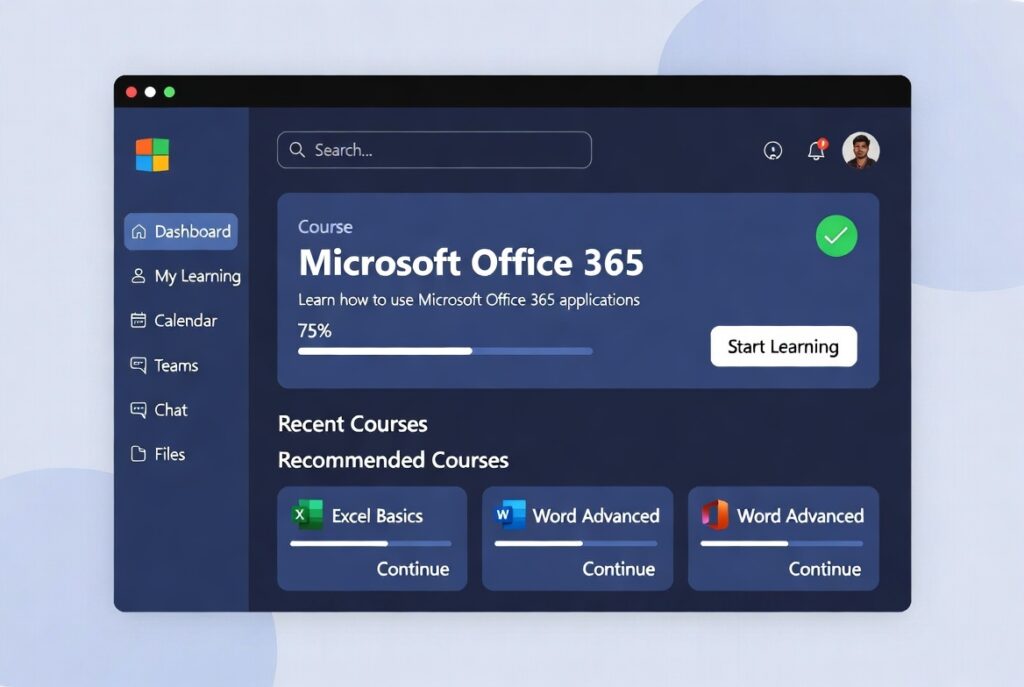
How to Learn Microsoft Office 365?
Start with Basic Applications:
First, learn Microsoft Word basics. Then, move to Excel and PowerPoint. Also, practice simple daily tasks. So, confidence builds step by step. Gradually, skills become strong.
Practice with Real Work:
Create documents and spreadsheets daily. Also, design small presentations regularly. Because practice improves understanding. So, mistakes turn into learning. As a result, speed increases naturally.
Learn Online Tools and Features:
Next, explore OneDrive and Outlook. Also, learn file sharing and collaboration. Moreover, use Teams for communication. So, work becomes cloud-friendly. Finally, you work like a professional.