
Introduction to OpenCV Course
What is OpenCV?
Open CV is a powerful computer vision library. It helps computers understand images and videos. Developers use it to detect objects and patterns easily. It works with Python, C++, and many other languages. This course teaches you how to use OpenCV step by step.
Why Use OpenCV?
OpenCV makes image processing fast and simple. It lets you build real-time vision projects quickly. You can create face detection, filters, and tracking systems. It works well for AI, robotics, and automation tasks. The tools are free, flexible, and highly popular.
What You Will Learn:
You learn how to read and display images with OpenCV. You explore image filtering, resizing, and color detection. You practice contour detection and edge detection. You also learn how to track moving objects in videos. The course builds your skills through easy, hands-on projects.
Why Learn OpenCV?
High Demand Skill:
OpenCV is a powerful skill in tech jobs. Also, Companies use it for AI and automation work. So, It helps you build real-world vision projects. Your portfolio becomes stronger with OpenCV. Also, It gives you great career and freelance options.
Easy to Use Tools:
OpenCV comes with ready-made functions. So, you process images and videos in minutes. The tools save time and reduce coding effort. Also, You create results quickly with simple code. Beginners understand it easily with practice.
Real-World Applications:
OpenCV works in face detection systems. Also, it powers robots, drones, and security tools. Then, It helps in medical imaging and smart devices. You can build filters like Instagram and Snapchat. Also, It opens doors to creative and technical projects.
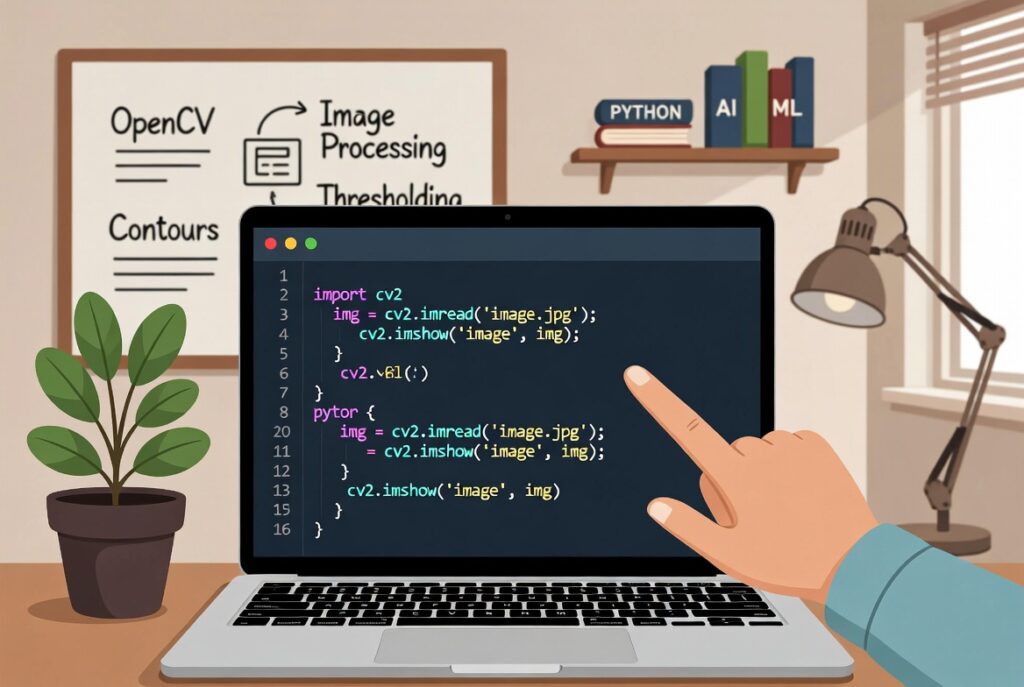
How to Learn OpenCV?
Start with Basics:
Firstly, You Begin with Python basics or simple coding. Then, You install OpenCV on your laptop easily. So, you learn how to load and read images first. Practice basic operations like resize and crop. Also, Small steps help you build confidence fast.
Practice with Projects:
Firstly, you make small projects like face detection. Then, you try color detection and edge detection tasks. Work on simple filters and photo effects. Also, Projects help you understand concepts deeply. So, your skills grow faster with hands-on work.
Explore Advanced Topics:
Learn object tracking and motion detection. Then, I try working with video streams in OpenCV. Experiment with contour detection and masking. So, you move to AI models like YOLO or Haar Cascades. Moreover, Advanced skills make your work professional.