
Revit course introduction
Discover Revit:
Revit is a powerful software for architects. It helps design buildings in 3D quickly. Also, it connects all project details in one place. Beginners can learn it step by step easily. Overall, it makes designing accurate and faster.
Why Revit Matters:
Revit improves collaboration between engineers and architects. Moreover, it reduces design mistakes and saves time. It also creates realistic 3D models for clients. Thus, learning Revit increases your career chances. Plus, it is highly demanded in construction jobs.
Start Learning Revit:
First, learn basic tools like walls, doors, and roofs. Then, practice making small building projects. Next, explore advanced features like families and sheets. Finally, use online tutorials and exercises regularly. Eventually, you can handle real projects confidently.
Why Learn Revit?
Boost Your Career:
Revit skills increase job opportunities quickly. Moreover, companies prefer candidates who know BIM software. It also opens doors in architecture and construction fields. Thus, learning Revit improves your professional value. Plus, it helps you earn better salaries.
Save Time and Work Smart:
Revit reduces errors in designs automatically. Also, it allows fast changes without redoing work. It connects all project details in one place. So, your work becomes accurate and efficient. Therefore, Revit saves time on every project.
Create Realistic Designs:
Revit helps make 3D models easily. Moreover, you can visualize buildings before construction. It also impresses clients with realistic presentations. Hence, you can communicate ideas clearly. Finally, it makes your designs professional and modern.
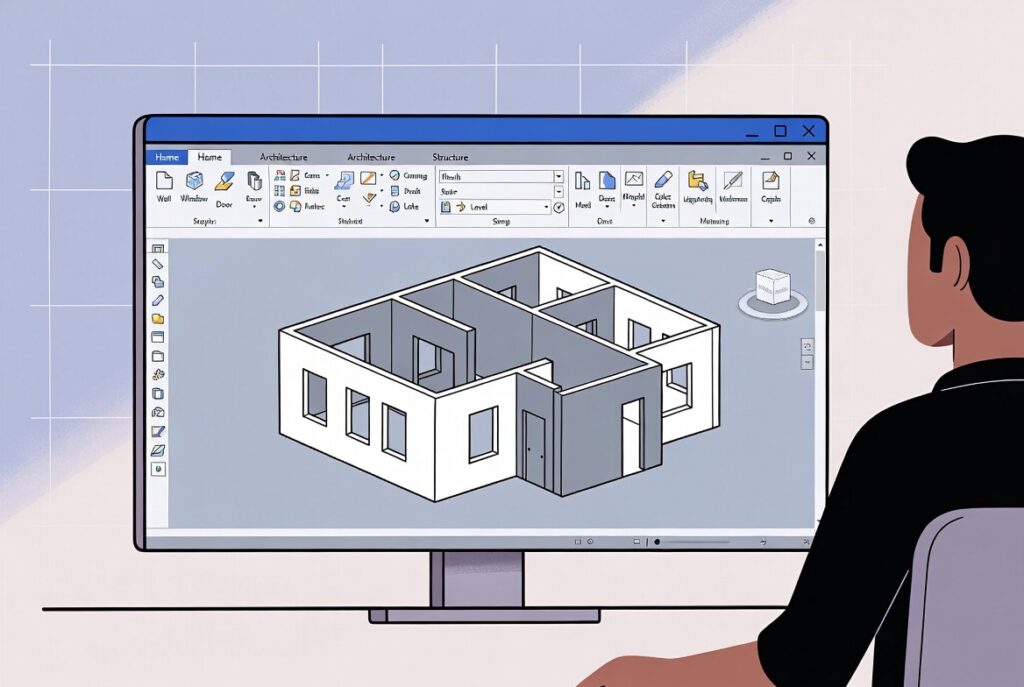
How to Learn Revit?
Start with Basics:
Learn simple tools like walls, doors, and floors first. Then, practice drawing small projects regularly. Also, explore the interface and toolbar step by step. This way, you build a strong foundation. Eventually, basics help in learning advanced features.
Practice Projects:
Create mini building projects for practice. Moreover, try different layouts and designs. It improves your confidence and speed. Also, save your projects in Revit files to track progress. Finally, projects make learning fun and practical.
Explore Advanced Tools:
Next, learn families, sheets, and schedules. Then, try rendering realistic 3D views. Also, use online tutorials or Revit courses for guidance. This way, you handle complex projects easily. Ultimately, advanced skills make you industry-ready.