
Introduction to Flutter App Training
Flutter App Development Basics:
Flutter app training teaches you how to build mobile apps. Moreover, you learn how Flutter uses one codebase for all platforms. You also understand widgets, layouts, and simple UI design. As a result, you create smooth and fast mobile screens easily. In the end, you feel confident to start building your own apps.
Learning the Flutter Tools:
In this training, you explore tools like Dart, Flutter SDK, and VS Code. Additionally, you learn how to install plugins and manage packages. You also understand how hot reload helps in quick designing. Therefore, you save time and build apps faster. Finally, you get comfortable with the full Flutter workspace.
Building Real Mobile Apps:
This course helps you build real Flutter app projects step-by-step. Meanwhile, you learn navigation, state management, and API use. You also practice making screens, buttons, and animations. Consequently, your skills grow with every small project. By the end, you can create complete apps confidently.
Why Learn Flutter App?
High Demand Skill:
Flutter is growing fast in the mobile app industry. Moreover, companies prefer Flutter because it saves time. You also get more job and freelance opportunities. Therefore, learning Flutter boosts your career quickly. In the end, it becomes a powerful skill in your portfolio.
One Codebase for All Apps:
Flutter lets you create Android and iOS apps together. Additionally, you write code once and use it everywhere. You also save effort because updates stay in one place. As a result, you finish projects faster and smarter. Finally, you work more efficiently with less coding.
Smooth and Beautiful UI:
Flutter helps you design clean and modern app screens. Meanwhile, you use widgets to make apps look stylish. You also add animations easily with simple steps. Consequently, your apps look professional and smooth. By the end, your designs impress users and clients.
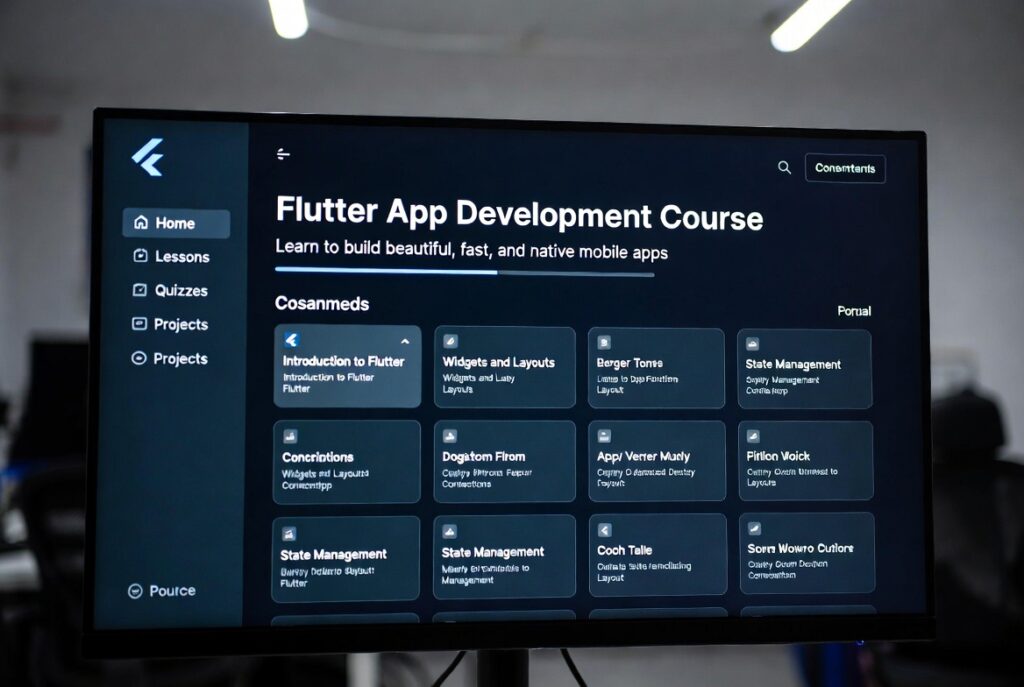
How to Learn Flutter App?
Start with the Basics:
Begin with understanding Dart language first. Moreover, learn simple topics like variables and functions. You also explore basic Flutter widgets and layouts. Therefore, you quickly understand how apps are built. Finally, these basics prepare you for advanced topics.
Practice Small Projects:
Start with tiny apps like a counter app or login screen. Additionally, try changing colors, fonts, and buttons. You also learn faster by testing your ideas daily. As a result, your confidence grows with every project. In the end, projects make your learning practical.
Learn Advanced Concepts:
Move to navigation, APIs, and state management. Moreover, explore tools like Provider or Riverpod. You also learn to connect Flutter apps with databases. Consequently, your apps become more powerful and real. Finally, you gain the skills needed for full app development.