
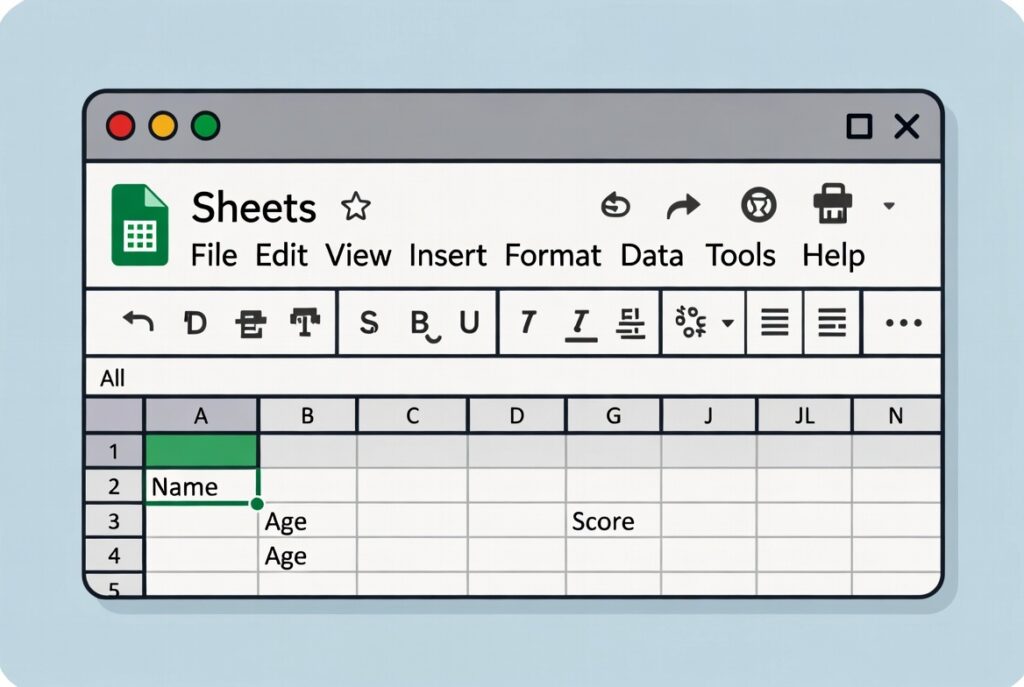
Google Sheets Course Introduction
Smart Data Management with Google Sheets:
First of all, Google Sheets helps you organize data easily. You can enter numbers, text, and formulas quickly. Also, it works online without any software installation. Moreover, it saves your work automatically in the cloud. So, you can access your sheets anytime, anywhere.
Easy Calculations and Formulas:
Next, Google Sheets makes calculations simple and fast. You can use basic formulas like SUM and AVERAGE. Then, you can apply functions to save time. In addition, formulas update results automatically. As a result, your work becomes accurate and efficient.
Collaboration and Real-Time Sharing:
Finally, Google Sheets allows real-time collaboration. You can share sheets with your team easily. Also, multiple users can edit at the same time. Moreover, you can track changes and comments. Therefore, teamwork becomes smooth and productive.
Why Learn Google Sheets?
High-Demand Office Skill:
First of all, many companies use Google Sheets daily. So, this skill improves job and office work chances. Also, employers prefer data-handling skills. Moreover, it helps in reports and task tracking. Therefore, learning Google Sheets boosts your career.
Saves Time and Effort:
Next, Google Sheets automates daily calculations. So, you complete work faster with formulas. Also, templates reduce manual work. In addition, charts explain data clearly. As a result, productivity increases easily.
Useful for Business and Freelancing:
Finally, Google Sheets helps in online businesses. You can manage sales, clients, and budgets. Also, freelancers use it for tracking projects. Moreover, it supports real-time data updates. Thus, it becomes useful for earning online.
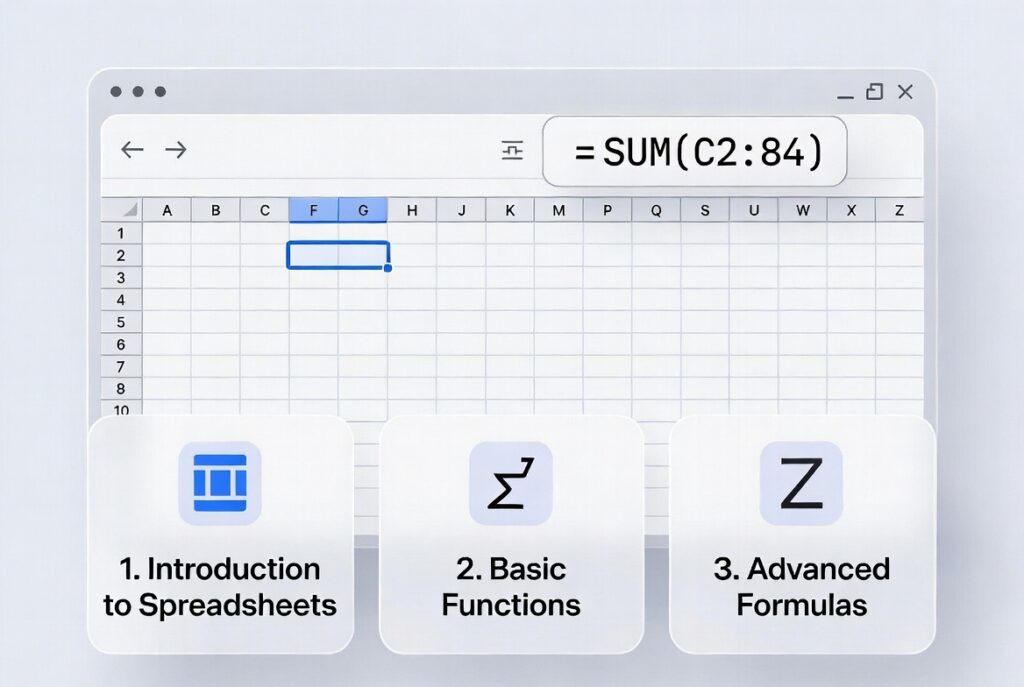
How to Learn Google Sheets?
Start with Basics:
First, learn rows, columns, and cells. Then, understand simple data entry. Also, practice basic formatting options. Next, learn simple formulas step by step. So, your foundation becomes strong.
Practice with Real Examples:
After that, create small practice sheets. So, track expenses or daily tasks. Also, use formulas in real data. Moreover, practice sorting and filtering. As a result, learning becomes easy.
Use Online Resources:
Finally, learn from online courses and videos. Also, follow Google Sheets tutorials regularly. Then, practice daily for better speed. Moreover, explore advanced features slowly. Therefore, you gain confidence step by step.