
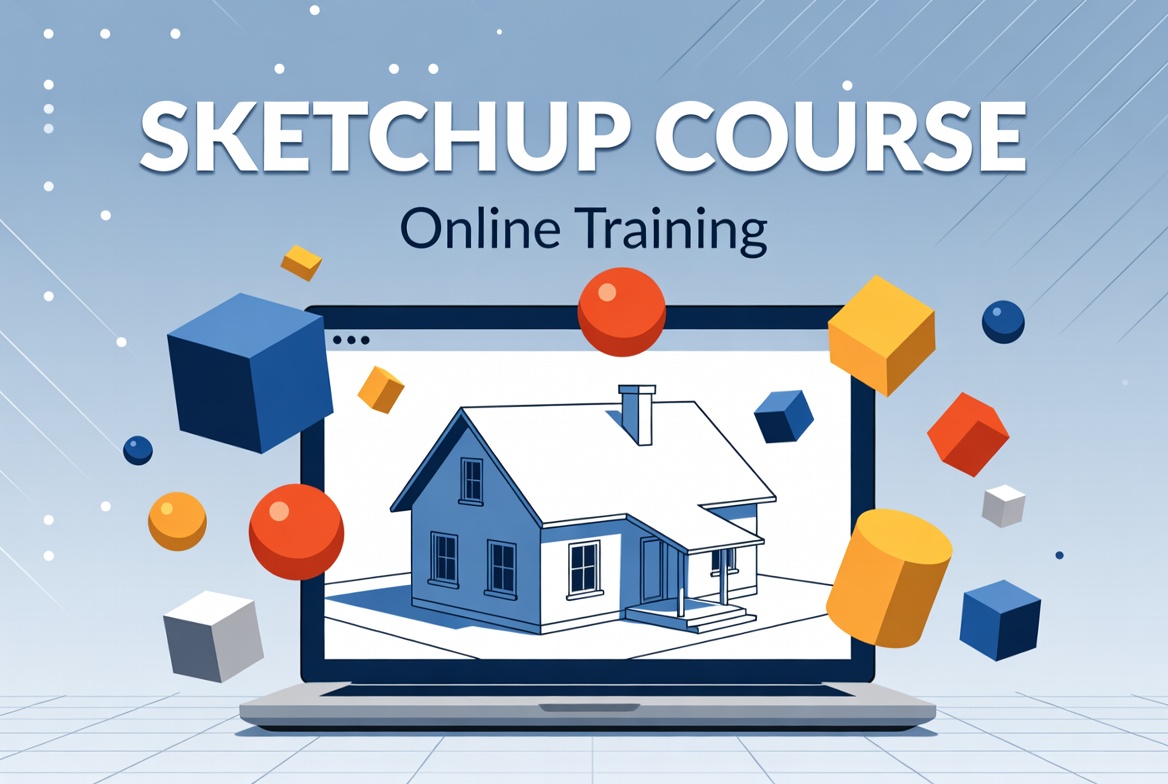
SketchUp course introduction
Start Designing with SketchUp:
First, Sketch Up helps you create 3D models easily. You can draw houses, furniture, or any object. Also, it shows real shapes from all angles. With simple tools, you make your ideas real. Then, you see your design come to life quickly.
Learn Tools and Features:
Next, SketchUp has drawing and measuring tools. You can push, pull, and rotate shapes fast. Also, layers and colors make your model clear Then, you add details like windows or doors. Finally, everything looks professional and neat.
Improve Skills with Practice:
Finally, practice helps you master SketchUp faster. You can try small projects every day. Also, explore extensions to add new functions. Then, your models become more creative and detailed. In the end, you build amazing 3D designs confidently.
Why Learn SketchUp?
Boost Your Creativity:
First, SketchUp lets you turn ideas into 3D models. You can design furniture, buildings, or gadgets. Also, it helps you see your work from all sides. Then, your creativity grows with every project. Finally, designing becomes fun and visual.
Improve Career Opportunities:
Next, SketchUp skills are in demand worldwide. Architects, interior designers, and engineers need it. Also, you can freelance or get a good job. Then, your portfolio looks professional and strong. In the end, learning it helps your career fast.
Save Time and Effort:
Finally, SketchUp speeds up your design process. You can fix mistakes without starting over. Also, ready-made templates make work easier. Then, you finish projects faster than drawing by hand. In the end, you work smart and look professional.
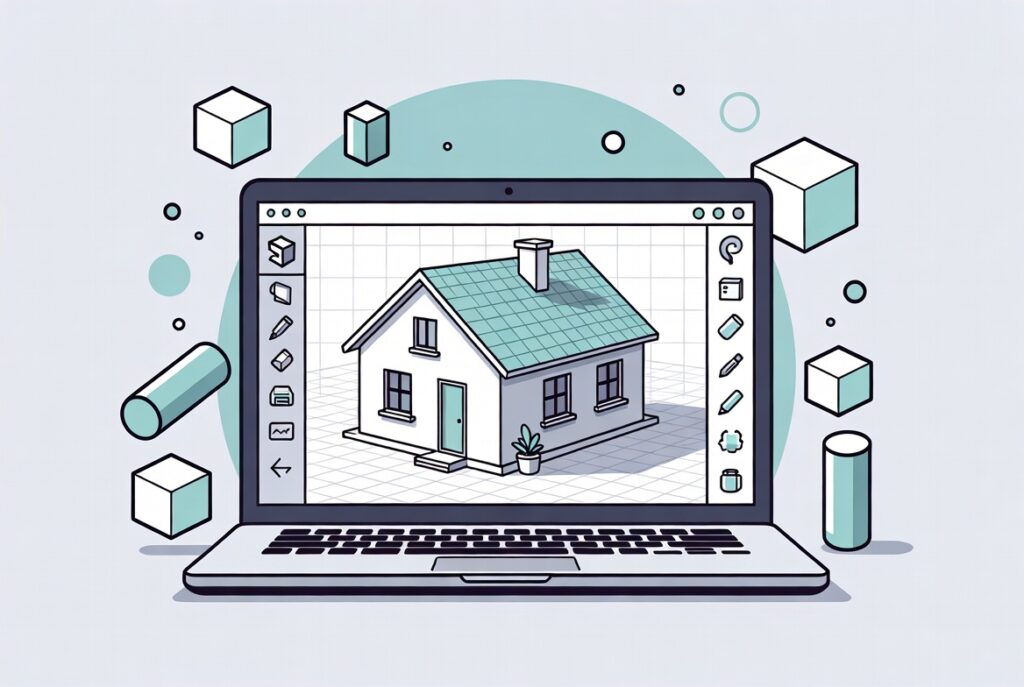
How to Learn SketchUp?
Start with Basics:
First, learn simple tools like draw, push, and pull. You can practice making cubes, chairs, and rooms. Also, understand views and measurements clearly. Then, try small projects to build confidence. Finally, your foundation becomes strong for advanced tools.
Practice Daily Projects:
Next, build small models every day. You can try home interiors, gardens, or furniture. Also, practice adding colors and textures. Then, you learn faster and remember tools well. Finally, your 3D skills grow step by step.
Explore Advanced Features:
Finally, learn extensions, plugins, and layout tools. You can render realistic images of your models. Also, share models online or collaborate easily.
Then, your projects look professional and polished. In the end, you master SketchUp confidently.